

To optimize your Google Business Profile (GBP) effectively, completeness and accuracy across all sections are key. Coupled with high-quality visuals and active management, these steps help you stand out in local searches, attract more customers, and grow your business.
This guide will explore how to optimize your Google My Business profile effectively. Learn strategies to enhance your presence and maximize benefits.
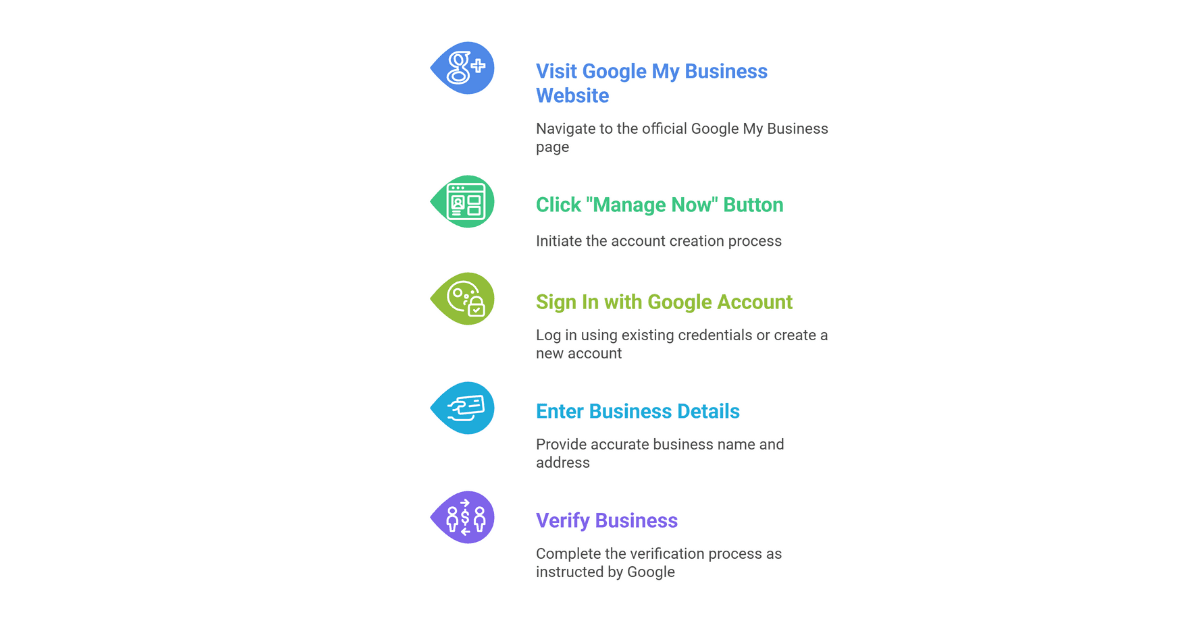
Setting Up Your Profile
Google My Business (GMB) is a key tool for local businesses. It helps improve Google Maps ranking and boosts local SEO. Setting up your profile correctly is the first step in reaching more customers. A well-optimized profile can increase customer engagement and attract more visitors. It’s important for businesses to ensure they are visible in local citations and appear in relevant searches. This process starts with creating an account and selecting the right categories.
Claim and Verify Your Business:
Claiming your business is the very first step to gaining control of your Google Business Profile. Verification confirms that you are the legitimate owner or authorized representative, which gives you the power to update and manage your listing. Verification methods include receiving a postcard by mail with a verification code, phone call, email, or instant verification (if eligible). Without verification, your profile won’t appear prominently in search results, so completing this step promptly is essential.
Completing Business Information
Google My Business is a powerful tool for local businesses. Completing business information is crucial for success. Accurate details attract more customers. Ensure all information is up-to-date and precise.
Accurate Address And Phone Number
Ensuring your business has an accurate address and phone number is vital. Customers need to find you easily. A wrong address can lead to lost business. Ensure that your address matches across all platforms. Consistency is key for building trust with customers.
Consider the following tips for maintaining accuracy:
- Double-check your address for errors.
- Make sure your phone number is correct.
- Use a local number, not a toll-free one.
- Update changes immediately, if any.
A clear and precise address is helpful for navigation. Customers appreciate accurate information. It also helps with search engine rankings. Google values businesses that provide trustworthy information.
Operating Hours And Website Link
Your operating hours should be clearly displayed for customers to know when you are open. This prevents frustration and improves customer satisfaction. Make sure your hours are visible and updated as soon as changes are made.
Consider these points:
- Display regular and holiday hours separately.
- Provide special hours for events if needed.
- Update hours during emergencies or special occasions.
Links on your website provide customers with more information about your services. Make sure the link leads to the right place. A broken link can deter potential customers.
Here are some tips for your website link:
- Ensure the link is easy to find on your profile.
- Update the link if your website changes.
- Use a short and memorable URL if possible.
Using High-quality Images
Using high-quality images can make your business profile stand out. Images attract attention and show your business in a positive light.
Adding high-quality images to your Google My Business profile is key. It enhances your online presence as well as attracts more local customers.
Types Of Images To Include
Images should reflect your business well. Here are some types to consider:
- Logo: Use a clear image of your logo. This helps customers recognize your brand.
- Exterior Photos: Show the outside of your business. This helps customers find you easily.
- Interior Photos: Show the inside of your business. Let customers know what to expect.
- Product Images: Display your products. Highlight the best features and details.
- Team Photos: Introduce your staff. Customers like to see friendly faces.
- Event Photos: Share images from events. Show your business in action.
Image Optimization Tips
Optimizing images is crucial for your profile. It ensures they look great and load quickly. Here are some tips to optimize your images:
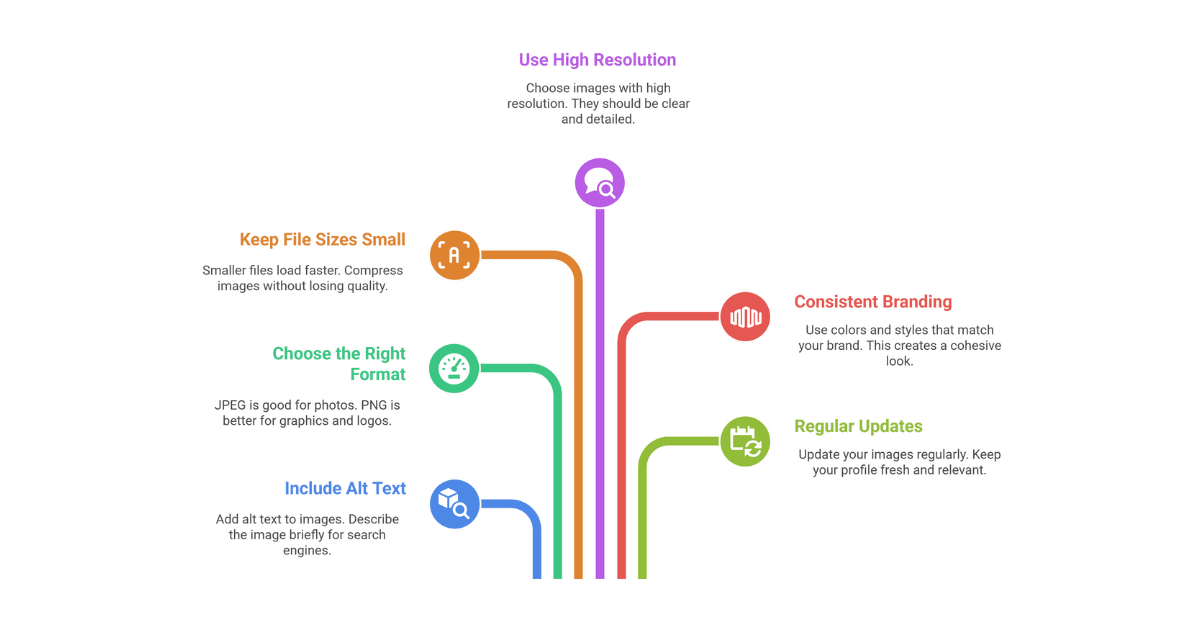
- Use High Resolution: Choose images with high resolution. They should be clear and detailed.
- Keep File Sizes Small: Smaller files load faster. Compress images without losing quality.
- Choose the Right Format: JPEG is good for photos. PNG is better for graphics and logos.
- Include Alt Text: Add alt text to images. Describe the image briefly for search engines.
- Consistent Branding: Use colors and styles that match your brand. This creates a cohesive look.
- Regular Updates: Update your images regularly. Keep your profile fresh and relevant.
Encouraging Customer Reviews
Google My Business is a useful tool for local businesses. It helps improve online presence. Customer reviews play a big role in this. They can boost visibility and trust. More reviews often lead to higher rankings. Encouraging reviews is key. It can attract more customers. Positive reviews build credibility. They show the quality of service. Businesses should focus on getting more reviews.
Strategies For Gathering Reviews
It is not simply about asking customers for feedback. Businesses must develop a strategy. Here are some effective methods:
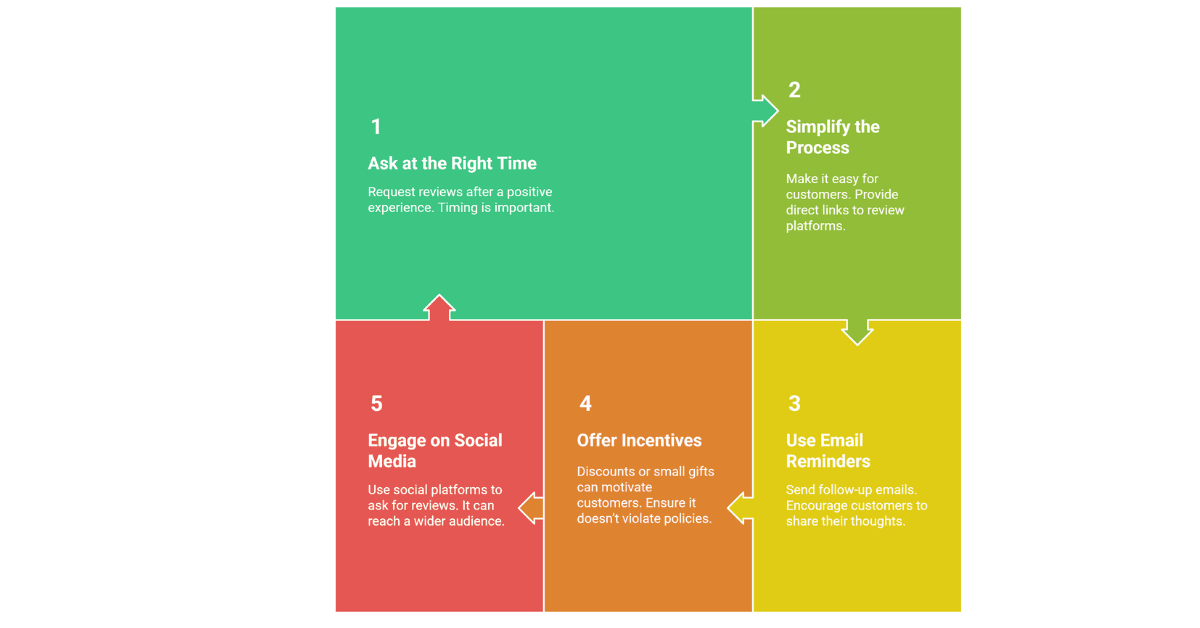
- Ask at the right time: Request reviews after a positive experience. Timing is important.
- Simplify the process: Make it easy for customers. Provide direct links to review platforms.
- Use email reminders: Send follow-up emails. Encourage customers to share their thoughts.
- Offer incentives: Discounts or small gifts can motivate customers. Ensure it doesn’t violate policies.
- Engage on social media: Use social platforms to ask for reviews. It can reach a wider audience.
Responding To Customer Feedback
Feedback is valuable. It provides insights into customer experiences. Responding to feedback is crucial. It shows that a business cares. Here’s how to respond effectively:
- Be prompt: Reply quickly. Timely responses matter to customers.
- Stay professional: Use respectful language. Maintain a polite tone.
- Address concerns: Acknowledge problems. Offer solutions if possible.
- Thank reviewers: Appreciate positive reviews. Gratitude encourages more feedback.
- Learn and improve: Use feedback to make changes. Continuous improvement is key.
Leveraging Posts And Updates
Businesses can enhance visibility and engagement on Google My Business (GMB) by leveraging posts and updates. These features help businesses connect with local customers. They also provide valuable information about products, services, and promotions. Using posts and updates effectively can drive more foot traffic and online interactions. For small businesses, this means more opportunities to grow and thrive in their local community.
Types Of Posts To Create
Creating diverse posts on GMB is essential. Different types of posts can capture the interest of various customers.
Consider these types of posts:
- What’s New: Share updates about your business. New products, services, or changes in operation hours can be highlighted.
- Events: Promote upcoming events. This could include sales, workshops, or community involvement.
- Offers: Attract customers with special deals. Limited-time discounts or promotions work well.
- Product Highlights: Showcase specific items. Share details and benefits to draw attention.
Frequency Of Updates
Regular updates on GMB keep your audience engaged. They show that your business is active and responsive. But how often should you update?
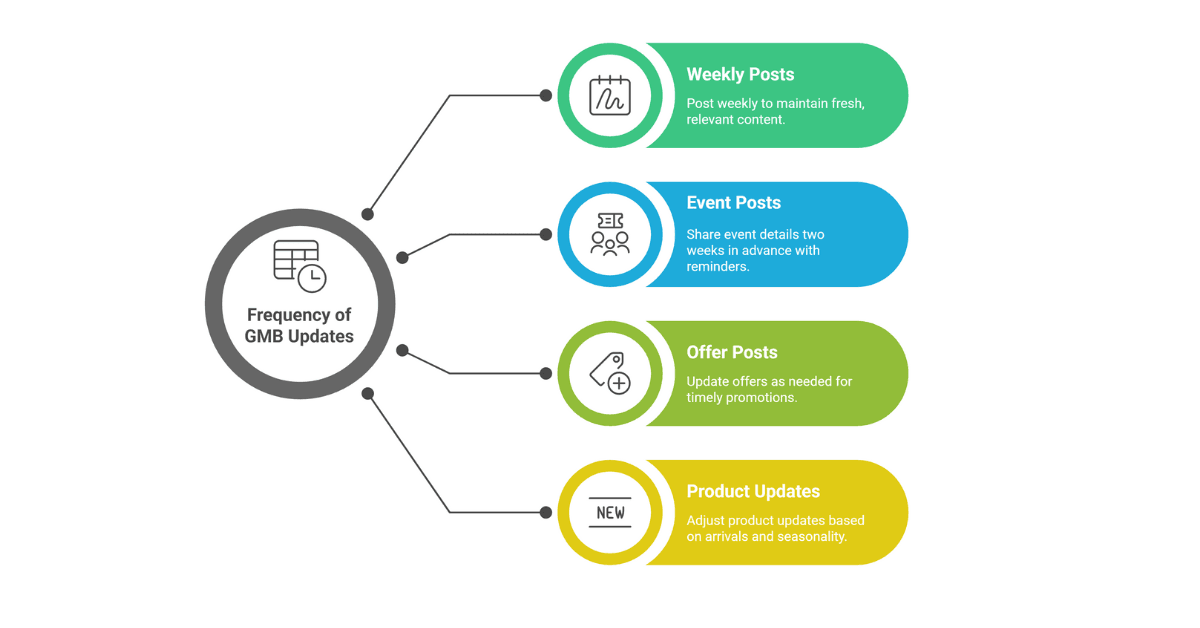
Consider these guidelines:
- Weekly Posts: Aim for at least one post per week. This keeps content fresh and relevant.
- Event Posts: Share event details at least two weeks in advance. Send reminders a few days before the event.
- Offer Posts: Update these as needed. Ensure they are timely and relevant to current promotions.
- Product Updates: Adjust frequency based on new arrivals or changes. Keep customers informed about popular or seasonal products.
Consistency is key. Regular updates maintain interest and engagement. They also improve your local search ranking. This can lead to more customer interactions and growth.
Utilizing Insights And Analytics
By optimizing your Google My Business profile, you can attract more local customers. One key aspect is using insights and analytics, which provide valuable information about customer behavior. By analyzing this data, businesses can improve their local presence and stay ahead of their competition.
Tracking Customer Interactions
Customers’ interactions on Google My Business give you a lot of information about your audience. They show how customers find and engage with you. You can track clicks on your website link, phone calls, and directions. The following are key interactions you should track in order to improve your business strategy:
- Website Clicks: Indicates interest in your products or services.
- Phone Calls: Shows direct engagement and potential sales leads.
- Direction Requests: Reflects customers wanting to visit your location.
Tracking these actions helps in understanding customer preferences. Use this data to enhance your services and marketing efforts. A table can also help visualize interactions:
| Interaction Type | Frequency |
| Website Clicks | 150 per month |
| Phone Calls | 75 per month |
| Direction Requests | 60 per month |
Adjusting Strategies Based On Data
The data collected from Google My Business can guide your strategy adjustments. If your website clicks are low, you may need to improve the content of your website.
Analyze the data regularly to spot trends. If direction requests are high, ensure your location is easy to find. You might also need to optimize your business description and photos. These changes can make your profile more appealing.
Here are a few steps to adjust strategies:
- Review Data Monthly: Helps in staying updated with trends.
- Focus on Weak Areas: Direct attention to parts needing improvement.
- Test New Approaches: Experiment with different strategies to see what works best.
Common Mistakes To Avoid
Many local businesses make common mistakes during Google My Business optimization. These errors can adversely affect their online presence. Avoiding these mistakes is crucial for success. We explore common pitfalls and how to avoid them in this guide.
Inconsistent Information
One major mistake is providing inconsistent information. This confuses potential customers and search engines. It is vital to keep all business details uniform across platforms. Inconsistencies can result in lost business opportunities. Ensure your business name, address, and phone number are the same everywhere.
Benefits of consistent information:
- Improves customer trust and credibility.
- Enhances local search rankings.
- Ensures accurate business listings.
Neglecting Customer Engagement
Engaging with your customers on Google My Business is crucial for business growth. Responding to reviews and messages promptly is essential. Ignoring customers can lead to negative perceptions. Customers’ feedback is valuable when you engage with them.
Ways to improve customer engagement:
- Respond to reviews, both positive and negative.
- Answer customer questions promptly.
- Regularly update posts and offers.
Engagement helps build a loyal customer base. It also improves your business’s online presence. Set aside time weekly to interact with customers. This fosters better relationships and enhances your brand image.
Conclusion
Optimizing Google My Business boosts local visibility. Customers find you easier online. Enhanced profiles attract more clicks. More visits mean more potential sales. Regular updates keep profiles fresh and relevant. Engagement is key. Reply to reviews promptly. Share updates often.
Your local presence grows stronger. Success doesn’t come overnight. Consistency matters. Keep refining your approach. Stay informed on new features. Adapt to changes swiftly. A well-optimized profile supports business growth. Start optimizing today. Your local community awaits your services.