
A world-famous company, one whose name is practically synonymous with the deep, cinematic sound you hear in movie theaters and on premium TVs, came to us with a problem that had nothing to do with sound at all. It was about onboarding.
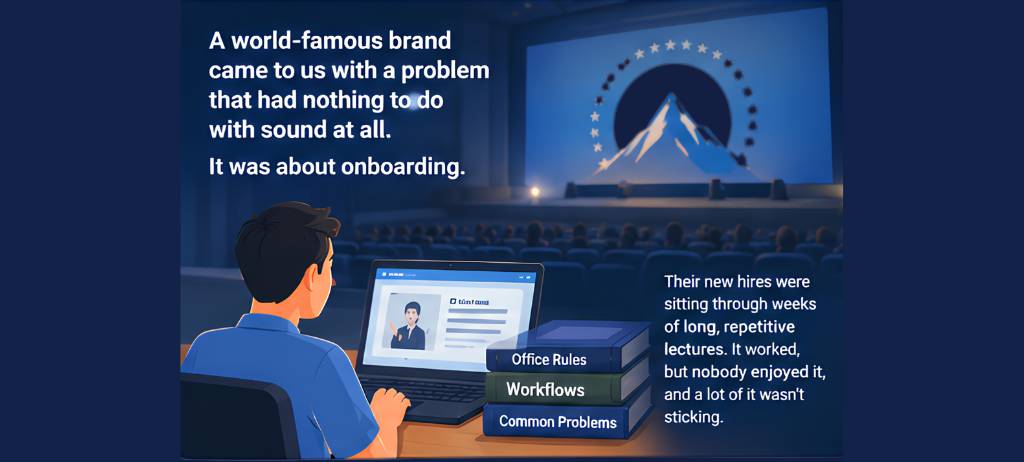
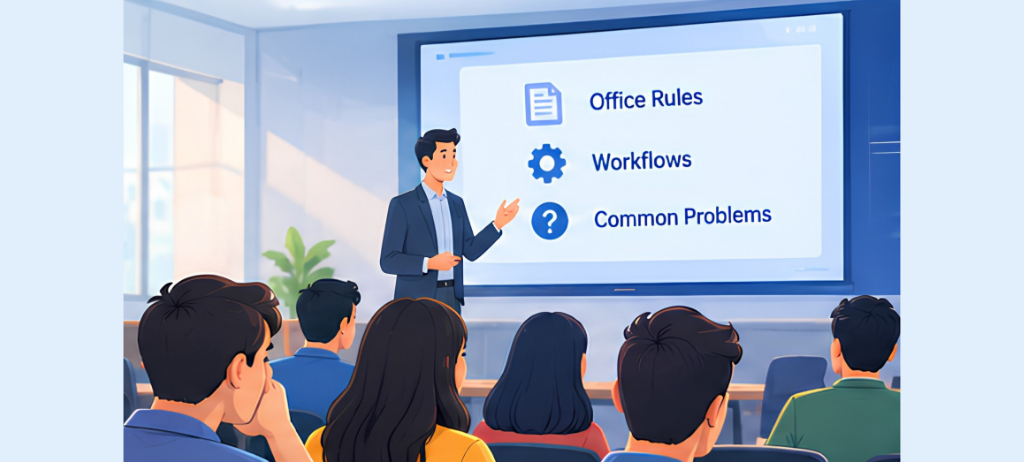
Their new hires were sitting through weeks of long, repetitive lectures covering office rules, workflows, and how to handle common problems. It worked, technically, but nobody enjoyed it, and a lot of it wasn’t sticking. The company’s answer was to turn those lectures into 2D animated training videos instead of something new hires would actually want to watch, something with a real production value, and something the company could reuse over and over.
They’d already tried building it themselves, using AniMaker for the animation and ElevenLabs for the AI voiceovers. It didn’t go well. The process turned out to be far slower and more painful than anyone expected, and that’s when they called us. A brand this recognized doesn’t settle for a rough, DIY-looking training video, so the bar for what “finished” meant was high from the very first call.
Table of Contents
- What they asked for
- Where things fell apart
- How it actually came together
- What came out of it
- The takeaway
What They Asked For
Nothing too unusual, at least on paper, though the expectations behind it were anything but within the budget:
- Turn the dry lecture content into fun, watchable animated training video with a genuinely polished look
- Get it all done inside a strict 60-day window, without cutting corners on quality
- Keep the voice style consistent and broadcast-clean, using the AI tools they’d already chosen
- Add background music with a subtle, cinematic touch so viewers won’t zone out
- Make sure subtitles were timed perfectly for accessibility and so the lessons would actually land
Simple enough on paper. The tools they were using were not built to deliver that level of finish at scale.
Where Things Fell Apart
AniMaker, it turned out, wasn’t built for this kind of workload. Every scene, every character movement, had to be built by hand in an interface that just wasn’t fast. A six-minute animated training video needed dozens of individual scenes, and the software’s browser-based engine would chew through ten to twelve gigabytes of memory just to render five minutes of footage. Worse, any small tweak, fixing one line of dialogue, nudging a character, forced a full re-render of the entire video.
At that rate, we’d spent forty hours just finishing a single five-minute lesson. Do the math on a 60-day deadline and it simply didn’t work, not without sacrificing the quality the client expected.
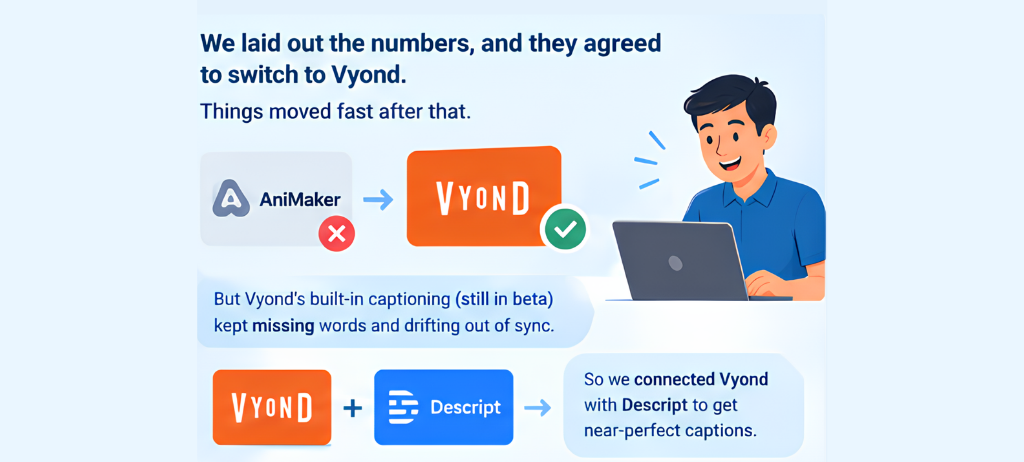
We sat down with the client and laid out the numbers plainly. Keep going with AniMaker and the deadline dies. Switch to Vyond and the math changes completely, without touching the finish they wanted. They agreed, and once we made the switch, things moved fast.
But a new problem showed up right behind it. As we tested Vyond’s built-in captioning, still in beta, it kept missing words and drifting out of sync almost immediately. For a brand built on precision, sloppy subtitles simply weren’t an option. Fixing that by hand, across dozens of videos, would have buried the whole project in overtime.
For the subtitle mess, we ended up connecting Vyond with Descript, not something either tool does out of the box, but a workaround we engineered ourselves to get near-perfect, broadcast-grade captions without the manual grind. We also threw in extra sound design nobody had asked for, purely because it pushed the final product from “good enough” to genuinely premium.
How It Actually Came Together
What made this work wasn’t any single tool. It was a tightly run pipeline where automation handled the heavy lifting and a skilled human touch shaped every detail that actually gets noticed.
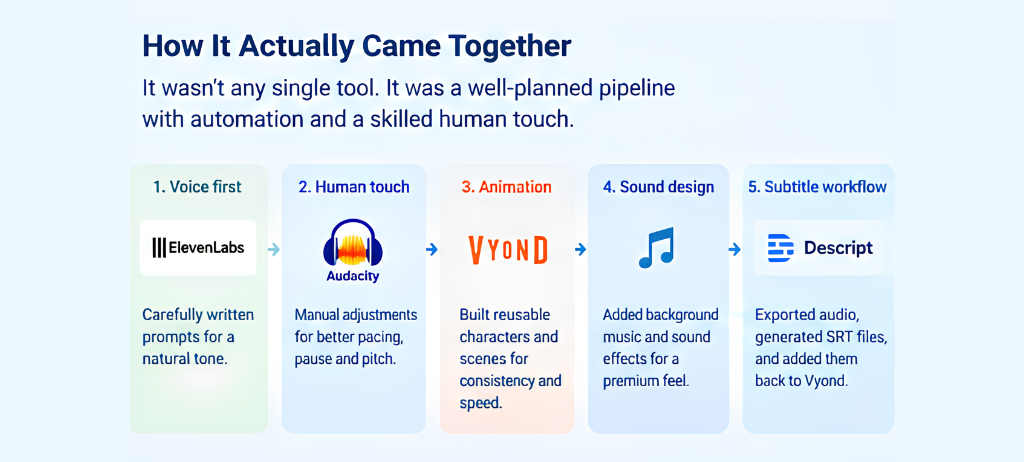
Voice first: We fed ElevenLabs carefully written prompts to get the training scripts sounding natural rather than flat and robotic. That part took some trial and error to get the tone right.
Then the human touch: The raw AI voice went into Audacity, where someone on our team manually adjusted pacing, pauses, and pitch until it stopped sounding like a machine reading a script and started sounding like a person explaining something, the kind of vocal polish you’d expect from a professional studio, not an automated tool. This step, honestly, is where a lot of the “it doesn’t feel like AI” magic actually happens. No software does this part for you.
Animation, rebuilt from scratch: Once we moved to Vyond, our team built out a core library of characters, backgrounds, and recurring scene setups first, rather than starting each lesson from zero. From there, we could drop new dialogue and actions into those same assets and reuse them across lessons, adjusting only what actually needed to change for that topic. That upfront investment in reusable building blocks is what reduced the memory issues and the endless re-rendering, and it’s also what kept every lesson looking visually consistent, without any drop in quality.
Sound, taken further than asked: Background music was the requirement. We added it but also layered in small sound effects, a pop here, and a typing sound there, just to make the on-screen actions feel less static and more like a finished, professional product. Small touch, but it’s exactly the kind of detail that separates a decent training video from one that feels genuinely high-end.
The subtitle workaround: Since Vyond’s built-in captioning wasn’t reliable, we exported the raw animation without any text, ran the audio through Descript to generate clean SRT files, then dropped those back into Vyond. It’s a slightly roundabout process, but it’s the kind of custom, automated workflow you only get from a team that knows how to make different AI tools talk to each other, and it saved what would’ve otherwise been days of manual subtitle timing.
And constant back-and-forth with the client: For the full 60 days, we stayed in close contact, took detailed feedback seriously, and adjusted as they went, running a process that felt closer to working with an in-house production studio than an outside vendor.
What Came Out of It
We took production time down from forty hours for an animated training video to eight or ten, and we did it by rethinking the whole approach rather than just pushing harder with the same setup: rebuilding the workflow around reusable assets, catching the subtitle problem before it became a crisis, and knowing exactly when to step in by hand versus when to let the process run itself. That’s what actually closed the gap, not any one piece of technology.
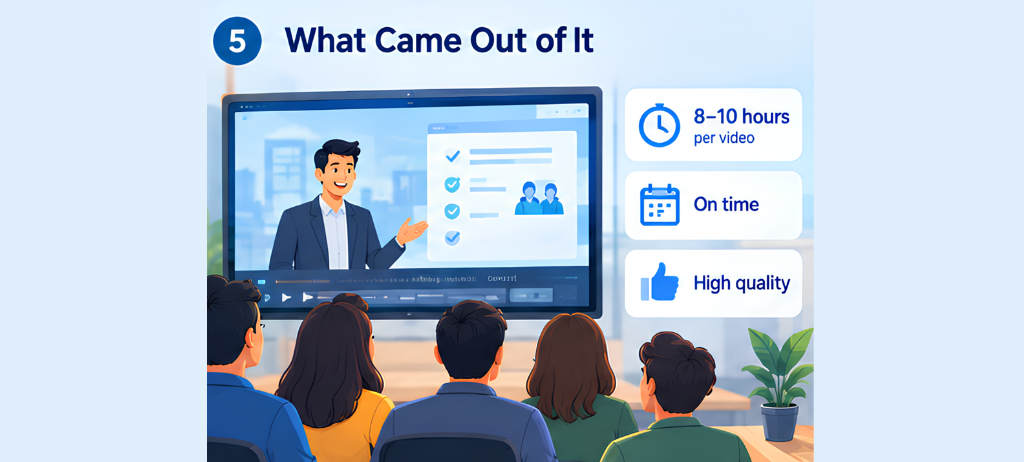
In the end, the project was successfully completed and the deadline was met comfortably, even though it had looked out of reach only weeks earlier, and not a single lesson felt rushed or cut short to get there. We kept them in the loop the entire time, so there were no last-minute surprises or mismatched expectations at delivery. More than that, they now own a training library that actually looks and sounds the way a company of their standing should, something they can hand every new hire from here on out without ever going back to those long, repetitive lecture sessions.
The Takeaway
Even a company with serious resources and a world-class reputation can get stuck when the plan they started with isn’t working.

What actually got this project unstuck was us: recognizing early that the original approach wouldn’t hit the deadline, having the judgment to change course before it was too late, and knowing which parts of the work needed a skilled hand and which could be trusted to run on their own. That’s the kind of problem-solving a client can’t easily get from just buying more software, and it’s what turned a stalled, at-risk project into a training library the client is still proud to use today.