
Five easy video tricks can turn your boring product videos into sales machines. You don’t need a lot of money, professional actors, or expensive cameras. You just have to film smart. This guide will show you the same methods that professional marketing firms use to make videos that get people to buy. These five hacks are quick and easy to set up, and they work for anything from selling coffee mugs to coaching services. Let’s get started.
Hack 1: Use Close-Up Shots to Show Why Your Product Matters
People decide in the first few seconds of watching a video online whether or not they care. That’s why close-ups are powerful. Instead of showing the whole thing from far away, get closer to the parts that make it unique.
Why Close-Ups Work So Well
People can see exactly what they’re buying when you film a close-up. They see the quality. They can see the little things. This builds trust because you’re not keeping anything from them. Also, close-ups make people feel like they are part of your product. They feel like they’re holding it in their own hands.
Don’t just show the mug on a table if you sell them. Get a close-up of the handle, show how smooth the ceramic is, and record someone holding it. Show customers what they’re really getting.
How to Film Great Close-Ups
You don’t need a fancy camera. Your phone works perfectly fine. Here’s what to do:
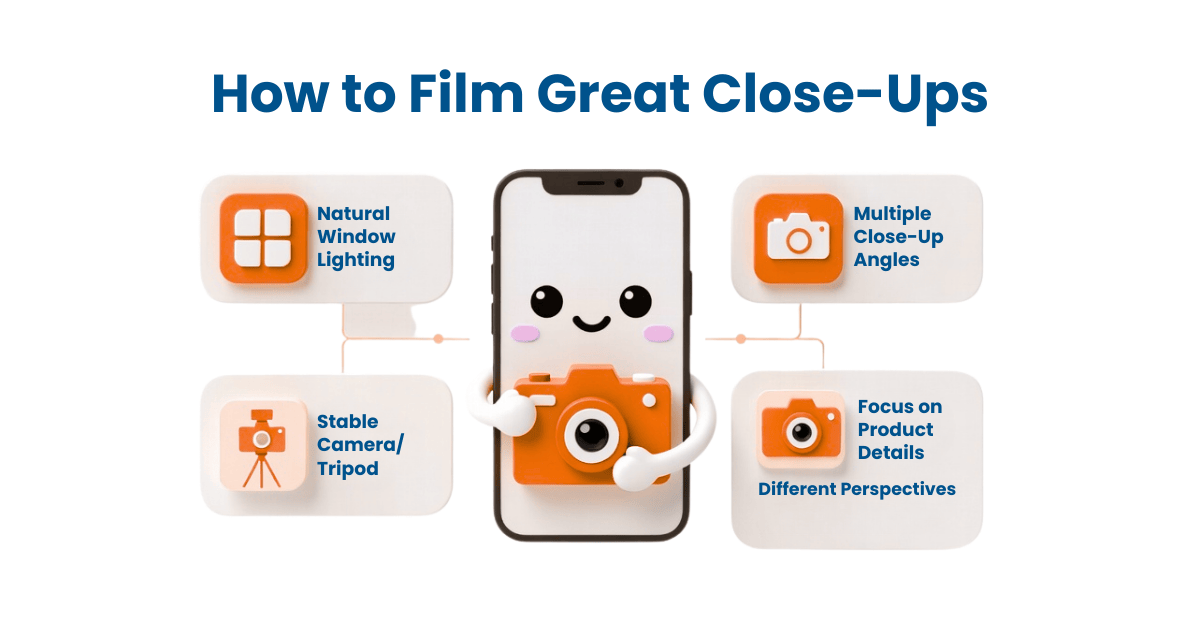
First, find good lighting. Natural light from a window is best. Avoid harsh shadows by positioning your product at an angle to the light source.
Second, get to know your product well. Your phone camera will focus on the things you want people to see. Take your time and show different angles. Let the camera stay still on each angle for a few seconds so people can really see it.
Third, film multiple close-ups of different parts. This gives you choices when you go back to edit your video.
Hack 2: Add Real Customer Testimonials to Build Trust Fast
Here’s something that works better than anything you can say about your own product: letting actual customers talk about it. When someone else praises what you sell, people believe it more.
Why Testimonials Are Gold
Give it some thought. When buying online, do you read the company’s or other customers’ reviews? First, most people look at customer reviews. Real testimonials in videos work better because they show that your product really works.
How to Get and Use Testimonials
Start by asking your happy customers if they’d be willing to appear in a short video. Most people say yes if you make it easy. You don’t need them to come to a studio. Record them on your phone while they talk about why they like your product. Keep it natural. You want them to sound like a real person, not an actor reading a script.
Good testimonials answer these questions:
- What problem did this product solve for you?
- How has your life or business improved?
- Would you recommend this to others?
Put these testimonials in your video where people usually stop paying attention. For instance, put one of your testimonials in the middle of your video, when people might be ready to leave. This gets their attention again and reminds them that real people like what you’re selling.
Hack 3: Use Text Overlays to Grab Attention and Drive Action
A lot of people watch videos without sound. People often watch videos without sound; they may be scrolling while watching at work, where audio is not allowed, or in a coffee shop. This is why text overlays are so useful. They let you talk to each other even when there’s no sound.
What Text Overlays Do
Text overlays are words that show up on your video while it’s playing. They point out the most important parts of what you’re saying. They also break up long parts of just watching someone talk, which keeps people interested.
Text overlays are great because they let people see and read your message at the same time.
How to Use Text Overlays Effectively
Keep your text short and simple. Use big, easy-to-read fonts. Your text should match your brand colors so it looks professional.
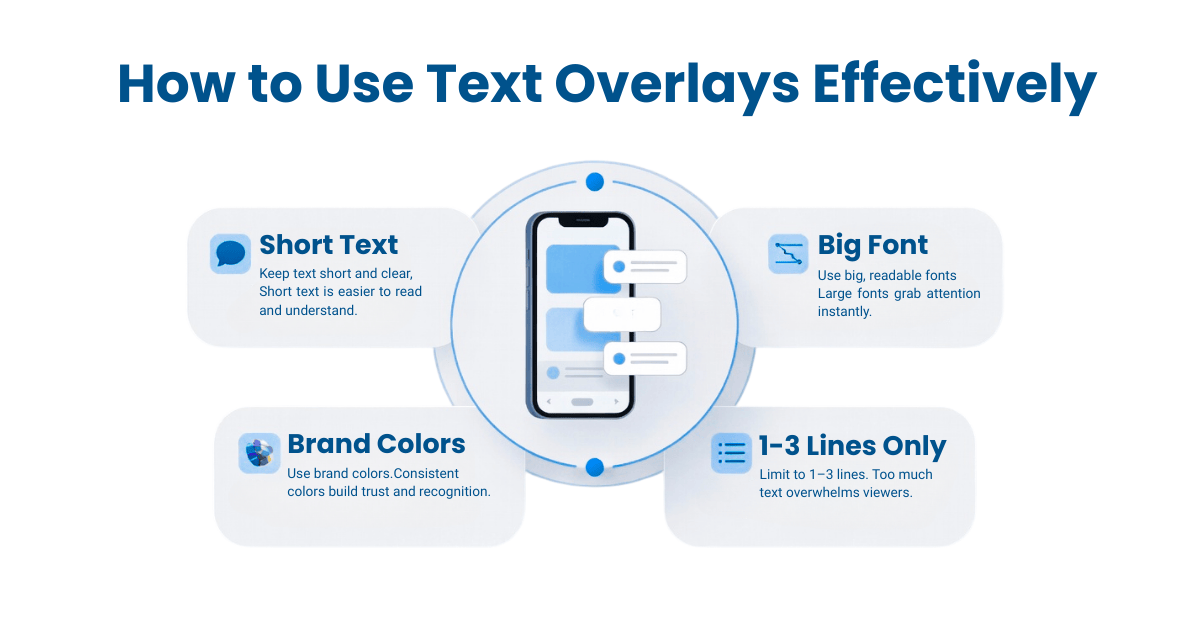
Make sure your text shows up when you’re talking about that subject. Show the words “This coffee maker brews in 30 seconds” on screen as you say them.
Avoid packing too much text onto one screen. It’s ideal to use one to three brief sentences. People become overwhelmed by too much text.
Here are some great things to highlight with text:
- Your price or special offer
- Key benefits of your product
- Important numbers (like “saves you 5 hours per week”)
- A clear call to action (like “Buy Now” or “Learn More”)
Hack 4: Show Your Product Being Used in Real Life
People don’t want to see a product sitting alone on a white background. They want to see it working. They want to imagine themselves using it. This is where real-life videos come in.
Why Action Shots Sell More
People can picture having your product when you show it in use. If you sell workout clothes, get someone to work out in them on video. Show someone cooking with the kitchen tools you sell. This helps customers picture themselves using your product, which is what makes them want to buy it.
Tips for Filming Action Shots
Take pictures from different points of view. Get wide shots of the whole scene so people can see it all, and close-ups so they can see the little things. Make sure the action is slow and smooth enough for people to see what’s going on.
Make sure the background isn’t cluttered and the lighting is good. People should be looking at your product, not the things around it.
Film for longer than you think you need to. You can always cut it down later, but you can’t add footage you didn’t shoot.
Hack 5: Always End With a Clear Call to Action
This is the most important hack of all, and so many people forget it. After you’ve shown how great your product is, you have to tell people what to do next. Don’t assume they’ll figure it out.
What a Good Call to Action Looks Like
A call to action is a simple instruction telling people the next step. Here are some examples:
“To place your order now, click the link below.” “Check out our website to see all the colours.” “Send us a message to get your free sample.” “Use the code SAVE15 to get 15% off”
Your call to action should be:
- Crystal clear (people should understand immediately what to do)
- Easy to do (don’t make them hunt for a link or button)
- Shown at the end of your video (give them the chance to act after you’ve convinced them)
Put These Hacks to Work Right Now
You don’t have to be a professional filmmaker to make videos that sell, though. You need to be smart about what you film and how you do it. These five hacks work because they focus on what customers really want: seeing the product, hearing from other happy customers, and knowing exactly what to do next.
Use one or two of these methods in your next video. You will see a difference in your views and sales right away.
Are you ready to improve your videos?
We’re here to help if you want to make marketing videos that really work but don’t have the time or know-how to do it yourself. Marketer Papa is a company that makes videos that sell. We take care of everything, from filming and editing to planning and getting the video out there.
Let us create videos that turn viewers into customers. Click here to schedule your free video strategy call today. We’ll analyze your current videos, identify what’s working and what’s not, and show you exactly how we can boost your sales through better video marketing.
Frequently Asked Questions
How long should my product videos be?
For social media and ads, keep videos between 15 and 60 seconds. People have short attention spans online, so shorter is usually better. However, if you’re posting on your website or YouTube, you can go longer (2-5 minutes) because people are more willing to watch. Always remember: the first 3 seconds matter most. Hook them immediately or they’ll scroll away.
What software should I use to edit my videos?
You don’t need expensive software. Free options like iMovie (for Mac), Windows Photos (for PC), or CapCut (for phones) work great for beginners. If you want more features, Adobe Premiere Pro and DaVinci Resolve are industry standards, but they have learning curves. Start simple and upgrade only when you need advanced features.
How often should I post videos?
Consistency beats perfection. Posting one quality video per week is better than posting three low-quality videos once a month. Find a schedule you can stick to, whether that’s weekly, twice a week, or every other week. Your audience will start expecting videos from you on that schedule.
Where should I post my product videos?
Post on multiple platforms: Instagram, TikTok, Facebook, YouTube, and your website. Each platform has slightly different video specs, but the hacks we shared work everywhere. Repurpose the same video across platforms instead of filming new ones each time. This saves time and gets more value from your work.
Can I use music and images from the internet in my videos?
Be careful here. You can use royalty-free music and images from sites like Unsplash, Pexels, and Pixabay without paying. Always check the license to make sure you’re allowed to use them commercially. Avoid using copyrighted songs or images unless you have permission or paid for a license.